
Files and Transfers
FaiTerm provides three file workflows: dual-pane SFTP file management for SSH hosts, FTP/SFTP file browsing for file hosts, and ZModem (sz / rz) transfers inside a terminal.
Open file management
- After connecting over SSH, click the folder button in the terminal footer.
- Or right-click the terminal and choose File Manager.
- For an FTP or SFTP host, double-click it or use its context menu to open File Browser.
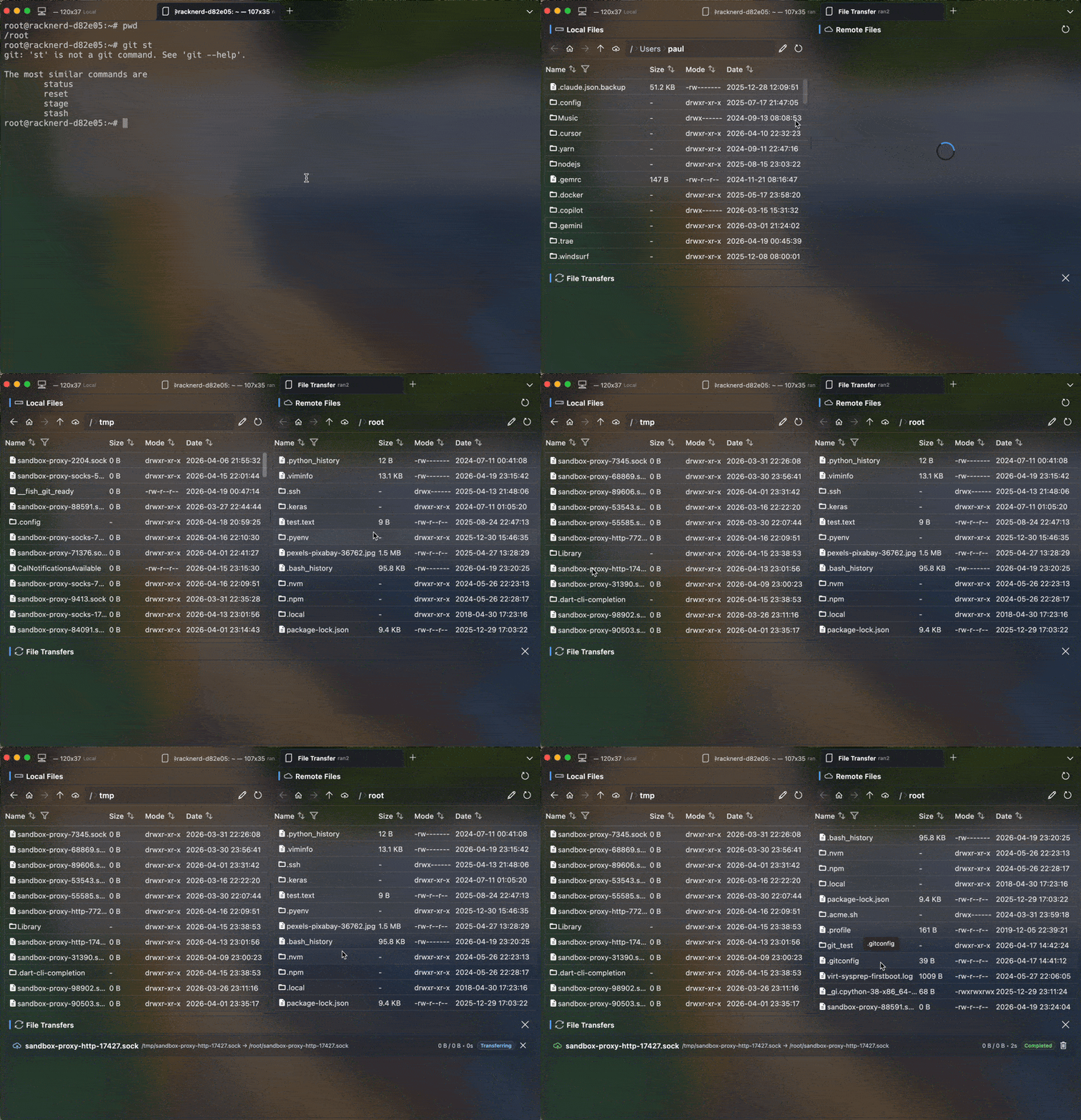
The manager opens as a tab with local files on the left and remote files on the right. Each side can browse independently.
Available actions
| Action | Description |
|---|---|
| Browse | Use directory trees, sorting, and refresh independently on each side. |
| Upload/download | Select multiple items for batch transfer; failed transfers clean up incomplete files. |
| Delete/rename/create folder | Operate on remote directories. |
| Drag | Drag files from the local side to the remote side to upload. |
File management uses SFTP. If the list is empty, check whether the server has disabled the SFTP subsystem.
Drag files into a terminal
Drop a local file on an SSH terminal to upload it to the remote current directory. For a WSL terminal on Windows, dropping a Windows file inserts its /mnt/<drive>/... path instead.
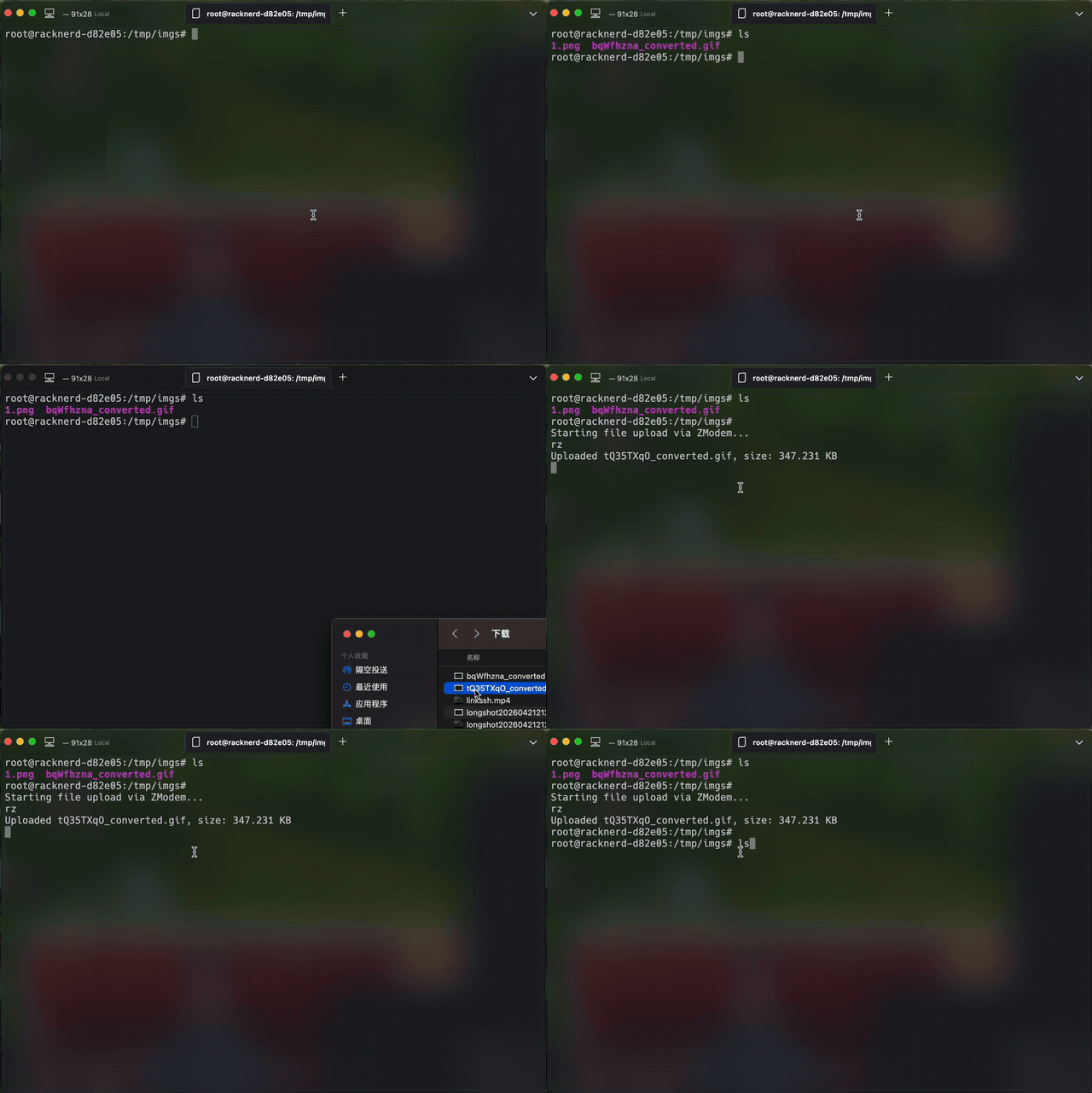
Drop uploads over SSH use ZModem. Some cloud providers disable it by default.
ZModem
Run sz <file> or rz inside a terminal to transfer files without opening another window:
sz: remote to localrz: local to remote
ZModem transfers join the regular transfer queue and report progress with other jobs.
Progress and notifications
- On desktop, the macOS Dock or Windows taskbar shows aggregate progress for active transfers.
- Completed or failed transfers alert you when the app is in the background.
- Incomplete output is removed after a failed transfer.
FTP downloads are written to a temporary .part file and renamed only after completion, so an interrupted transfer is not mistaken for a finished file.
Mobile
Android includes file management for local and remote directories, upload/download operations, and previews of images and text files.
Related
- Connection parameters: Connections and Hosts
- Notification controls: Notifications