
SSH
Use FaiTerm's SSH features to manage remote servers.
Adding an SSH host
Click the ▼ menu in the top-right corner to open Settings, open the Host section, and enter your connection details.

You can paste a full ssh line (including -p and other options) into the text box; FaiTerm parses it and fills in the form fields.
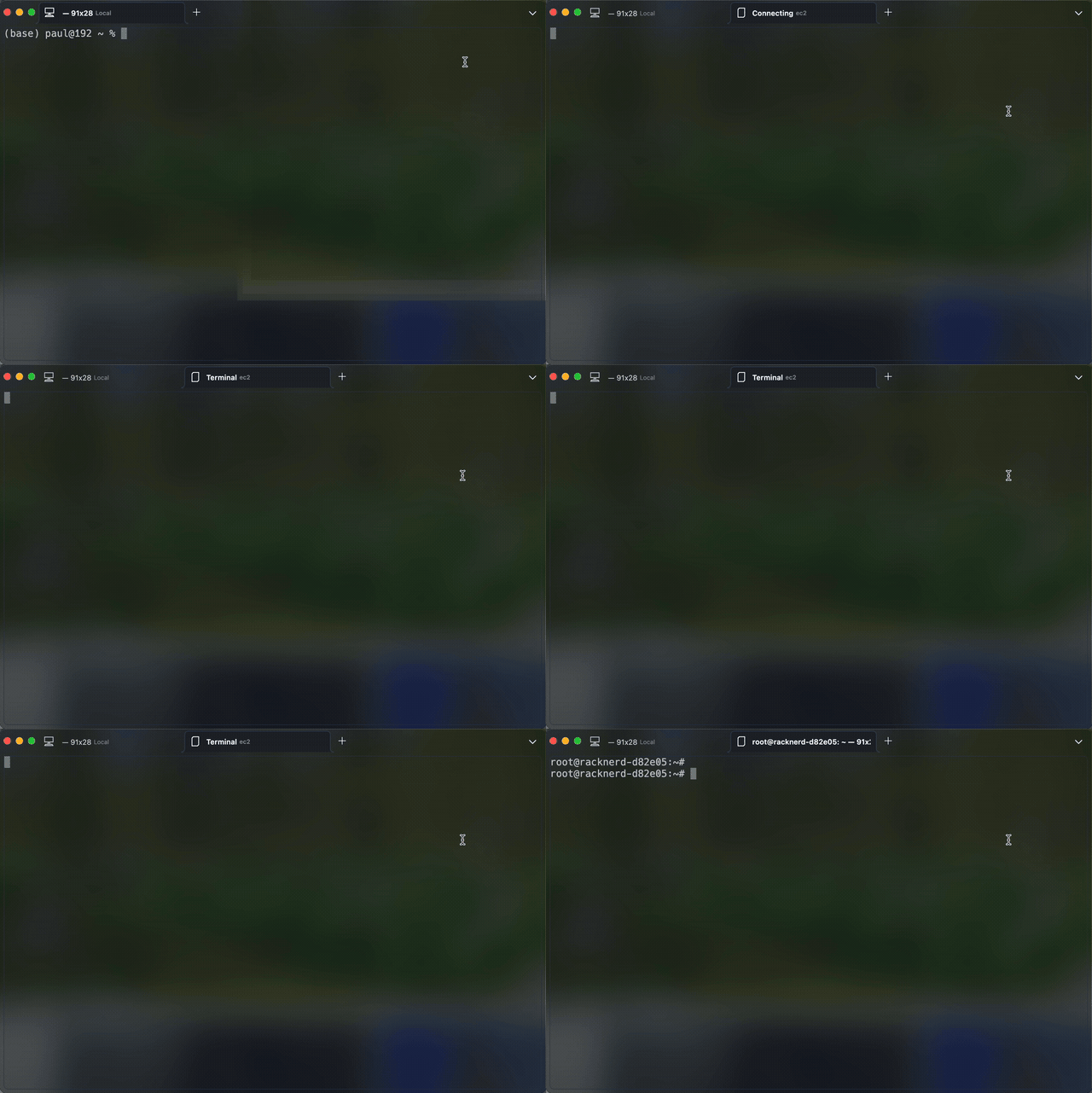
Connecting over SSH
Click the ▼ menu and select the SSH host you added.
Remote file management
In the SSH terminal, right-click to open the menu and choose File manager to open a file manager tab.
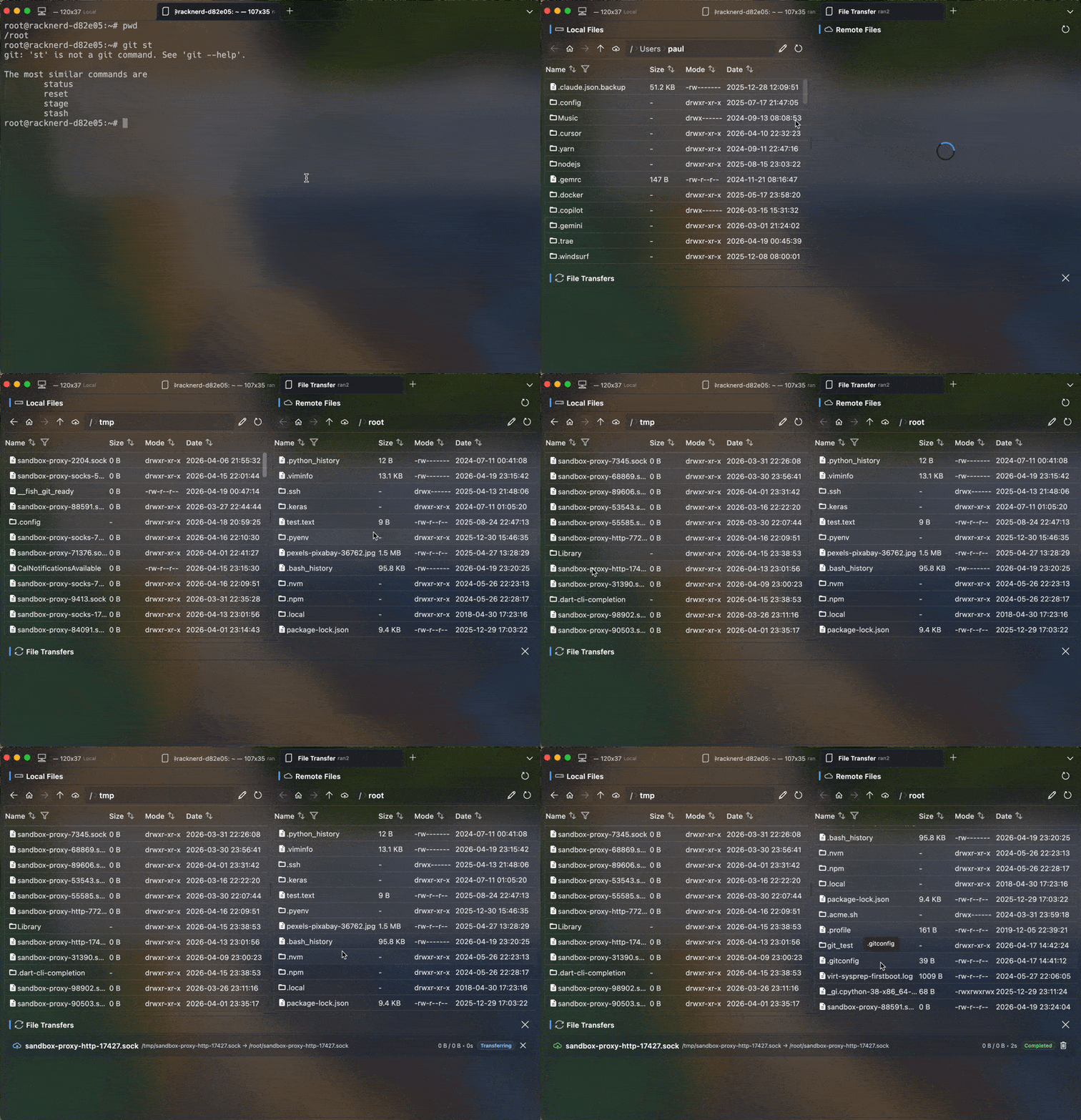
File management uses the SFTP protocol. If it does not work, check whether SFTP is disabled on the server.
Drag-and-drop upload
Drag a file from your computer into the SSH terminal to upload it to the remote machine.
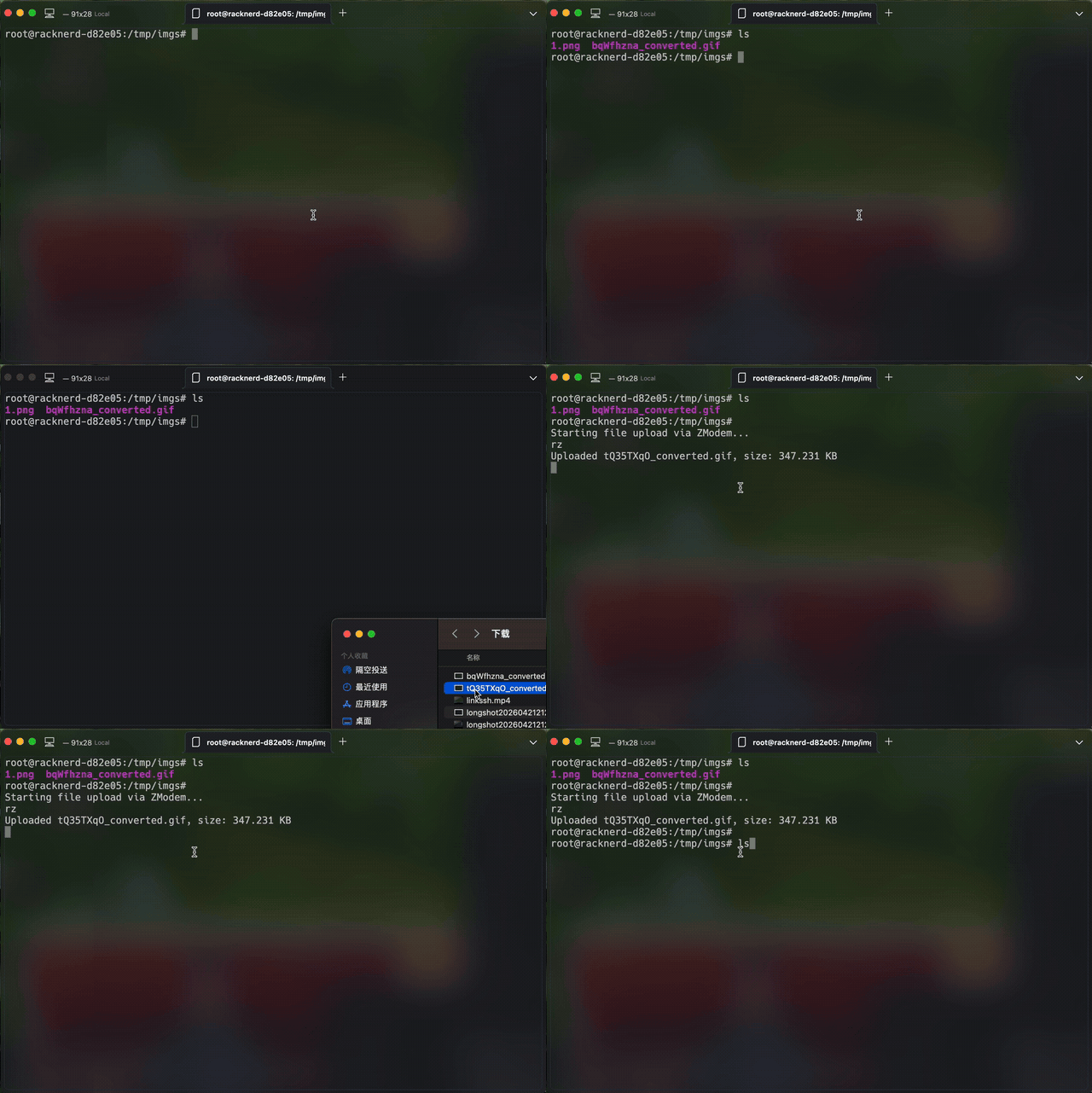
Drag-and-drop upload uses the ZModem protocol. Some cloud providers disable it.