Themes
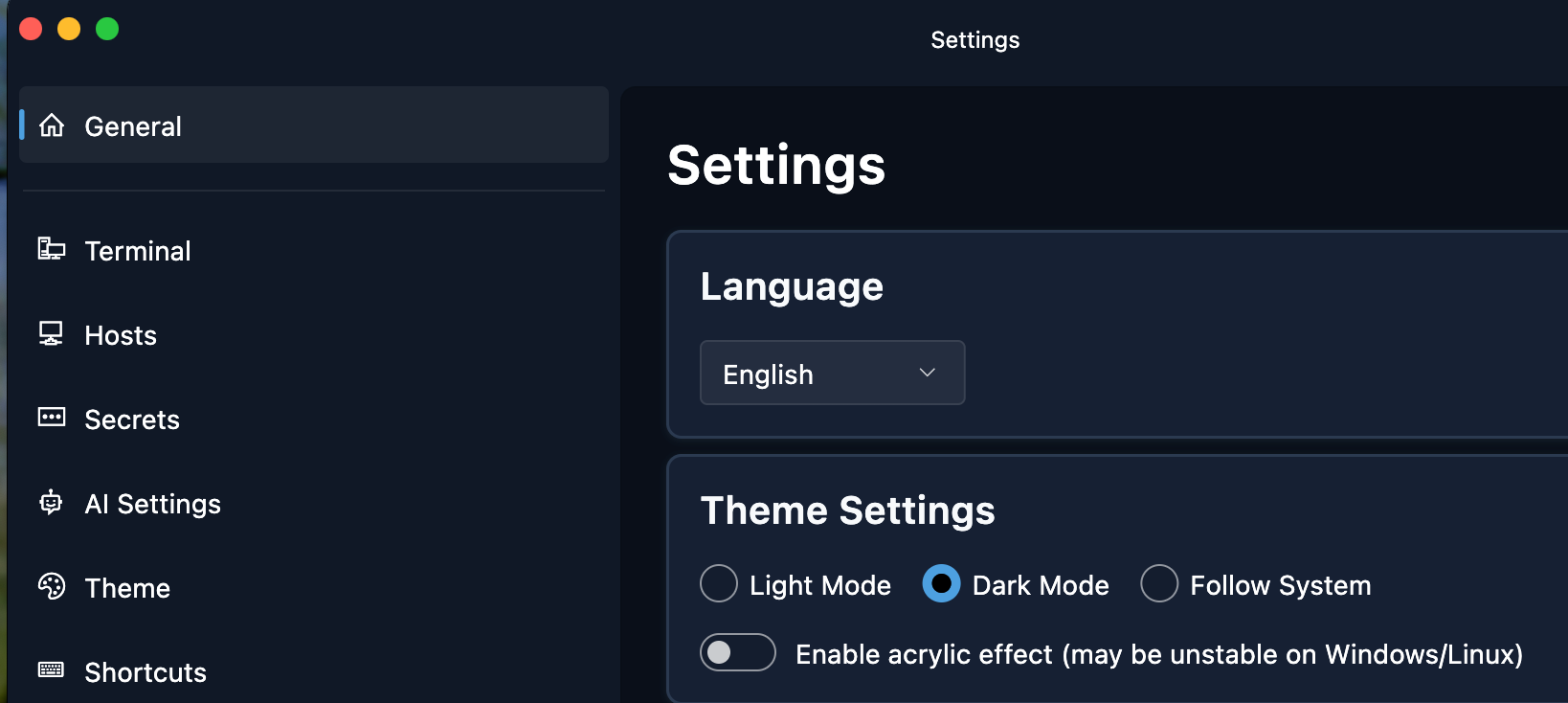
FaiTerm keeps application themes and terminal color schemes separate. You can choose each independently in Settings → Themes.
Application themes
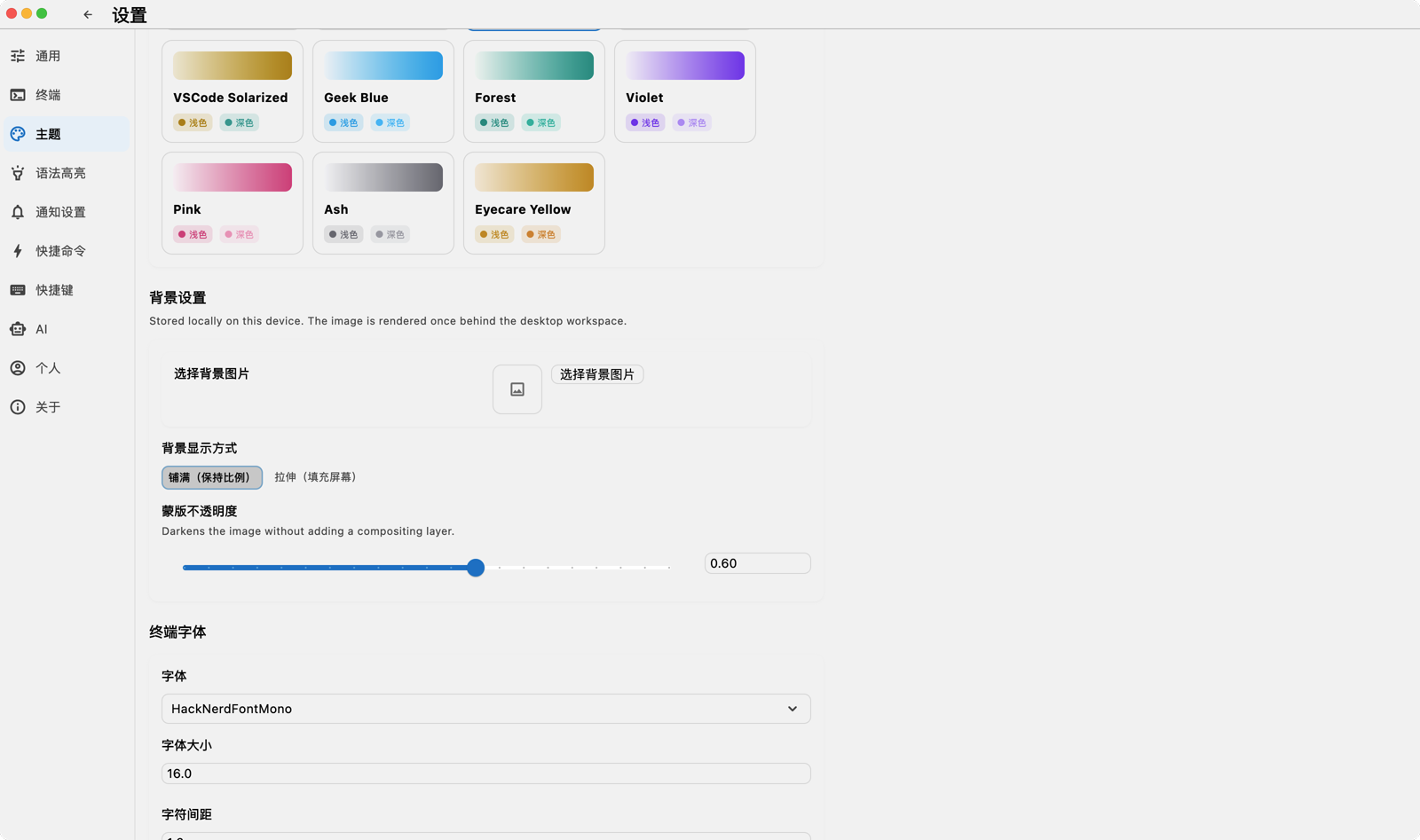
- Eleven built-in palettes, including VSCode Modern, VSCode 2026, Visual Studio, Geek Blue, Forest, Violet, Pink, Ash, and Eyecare Yellow
- Light, dark, and system modes
- Light and dark previews for every palette
Acrylic effect
The desktop window can use a translucent acrylic effect. It is disabled by default and can be enabled under Settings → Themes. The effect may vary by Windows or Linux compositor; Android stores the preference but does not render it.
Background
- Choose a local background image behind the workspace.
- Fill the area while preserving aspect ratio, or stretch it to the screen.
- Adjust overlay opacity to keep text readable.
Terminal themes
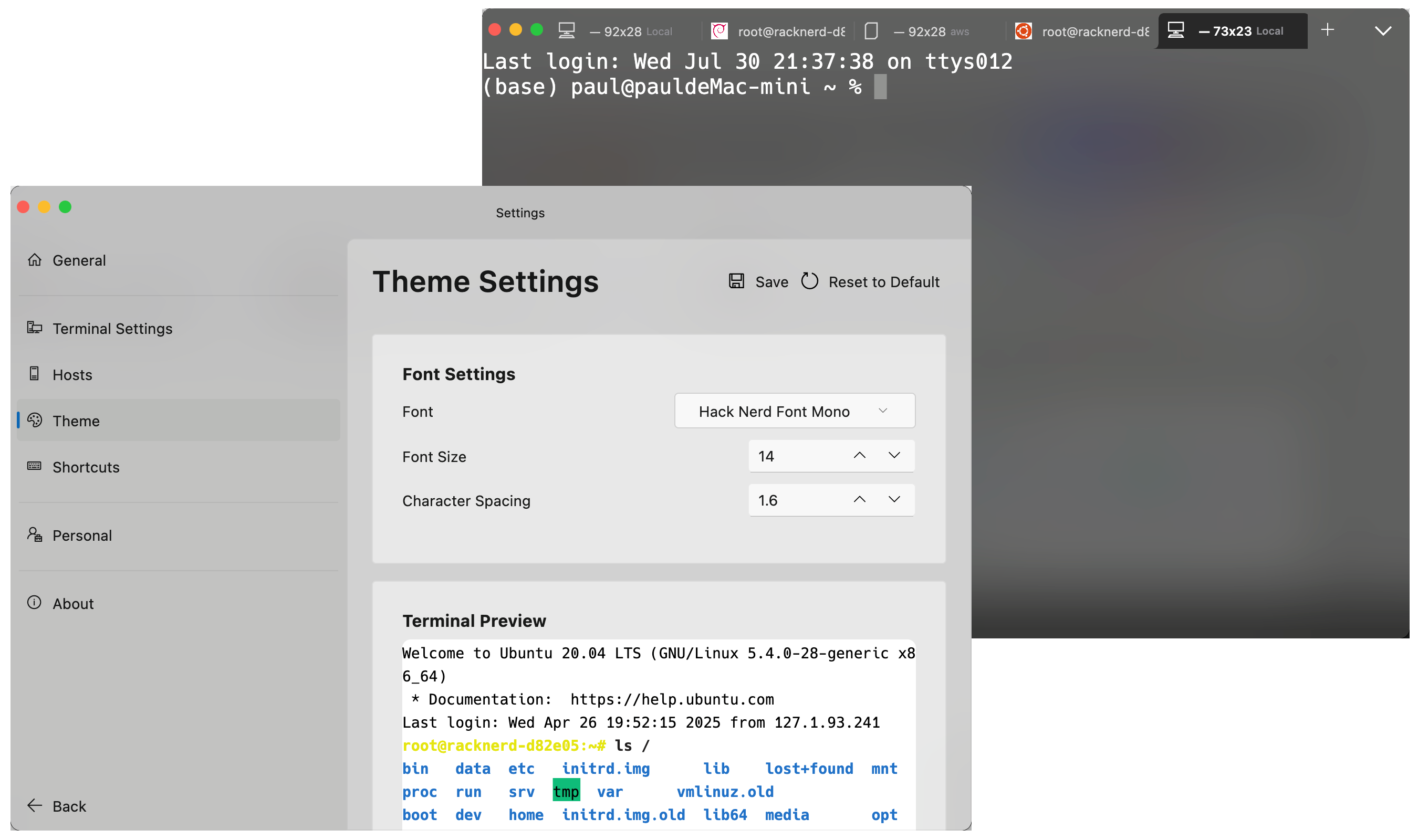
FaiTerm includes more than 600 terminal schemes organized into light/dark families. Choosing a family automatically follows the application appearance.
- The preview uses your current terminal theme and real shell output.
- Search by name and use the light/dark chips to preview a variant without changing the selected theme.
- The terminal background is rendered from its selected scheme unless a background image or acrylic effect requires transparency.
Terminal typography
Font family, size, line height, and character spacing are available on the same page. Use ⌘= and ⌘- for temporary size changes.